A Pomodoro timer for Chrome that blocks distractions.
Press Start and the sites that pull you away stay blocked, open tabs included. Your break brings them back.
On Edge? It installs from the Chrome Web Store once you allow extensions from other stores.
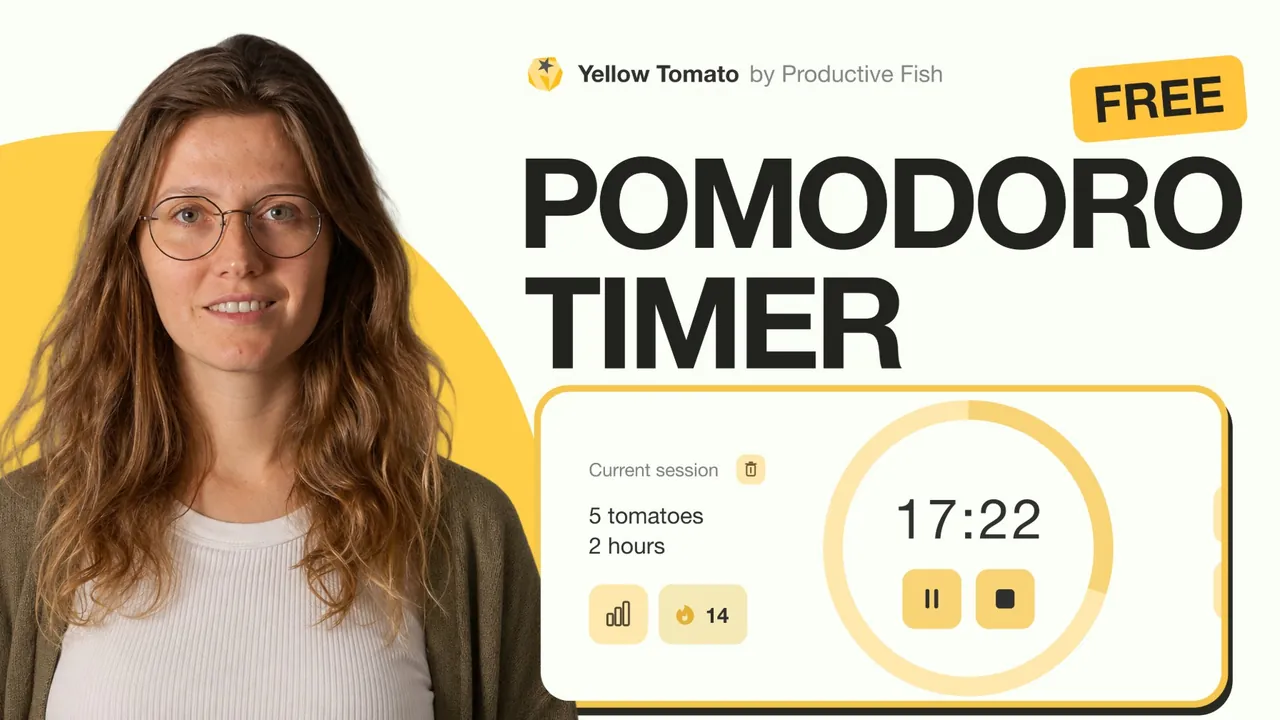
Your timer, one click from any tab.
Start a Pomodoro from the toolbar popup, or open the big timer in its own tab with your tasks beside it.
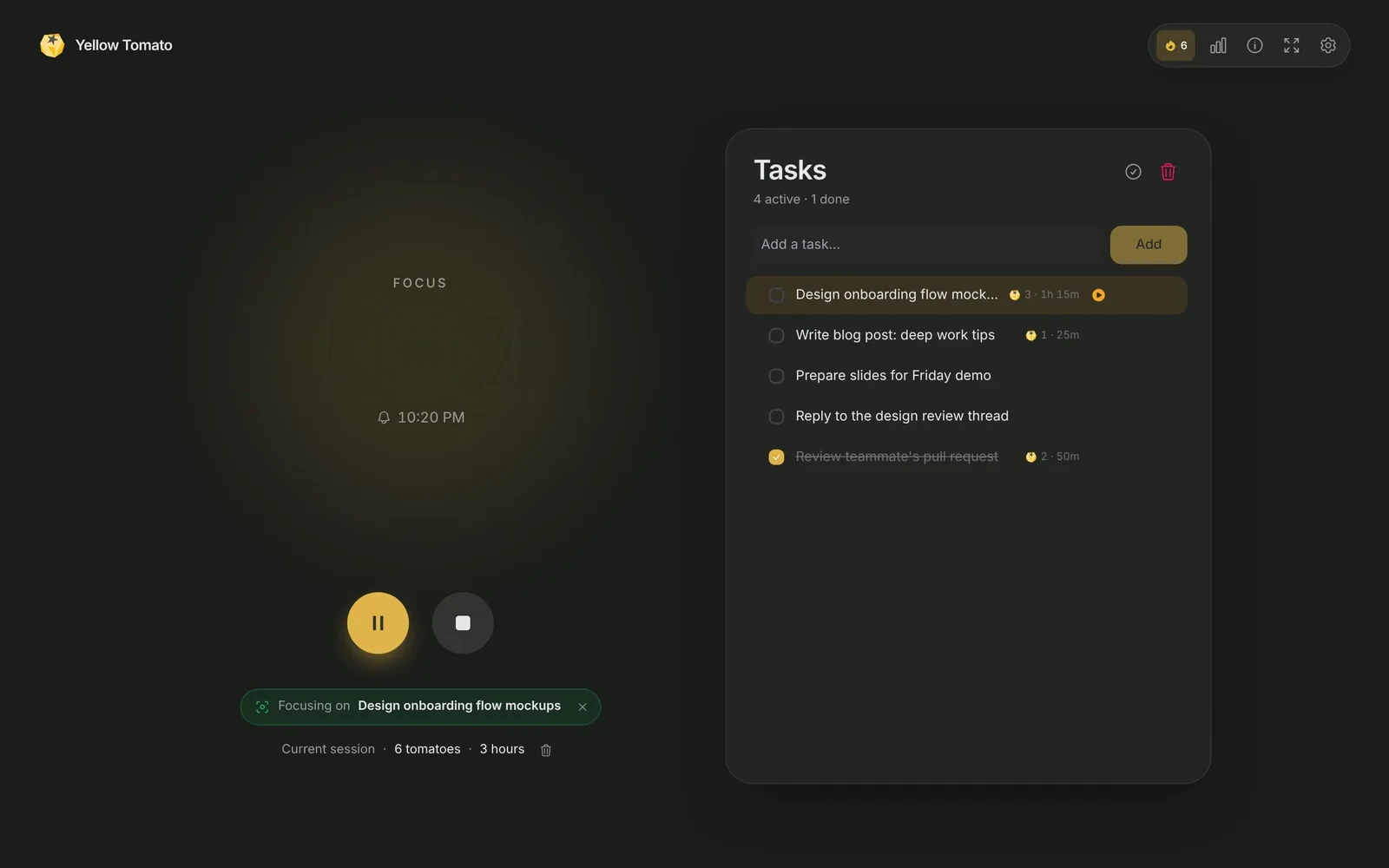

Everything you need to focus in Chrome.
Free, with no account, and your data stays in your browser.
Distracting sites stay blocked
Type a site like youtube.com and its subdomains are covered too. Your blocklist switches on when you press Start, even in tabs you already have open, and off when your break begins.
Focus sounds
Ambient music, lo-fi, birds, a stream, or brown, pink or white noise. They play only while you focus, and the mute button is right in the popup.
Time left in your toolbar
The extension’s icon counts down the minutes left in your Pomodoro, so you can check the time without opening anything.
A loop that runs itself
Pick any focus and break length. Let the next Pomodoro start by itself when a break ends, or keep counting when you’re in the zone.
Tasks that earn tomatoes
Pick a task to focus on and every Pomodoro you finish is logged against it. Your list sits under the timer in the popup and beside it in full screen.
Progress you can see
See how much you focused, day by day and task by task. Weekends are rest days, and a strong week earns a rescue day, so one missed day doesn’t end your streak.
Questions about the extension
How do I choose what to block?
Blocking is off until you choose what to block, so you’re never blocked from anything you didn’t pick. Open the popup’s settings, go to Extras and turn on Block distractions. Click Manage, type a site such as youtube.com and press Add. From then on it’s blocked whenever a focus session runs, tabs you already had open included, and free again on every break.
Does it work in Edge, Brave or other browsers?
There’s no separate Edge listing, but most Chromium-based browsers can install extensions from the Chrome Web Store, including Edge and Brave. Edge asks you to allow extensions from other stores first. There’s no Firefox or Safari version.
What permissions does it ask for, and why?
Each one does a single job, and none lets it read the pages you visit:
tabs, to notice a tab opening a site on your blocklist and send it to the block page. Chrome words this as “Read your browsing history”; the check happens on your computer, and nothing is stored or sent.storageandunlimitedStorage, to keep your settings, tasks, sessions and streak in your browser.alarms, to keep time with the popup closed.notifications, to tell you when a session or a break ends.offscreen, to play the alert and the focus sounds.
No host permissions, no content scripts, no remote code, and no network requests while you use it.
Will my blocklist and stats follow me to another computer?
Not today. The extension keeps everything in this browser and doesn’t use Chrome’s sync storage, on purpose. We’re planning optional, end-to-end encrypted Sync.
Something else? Write to team@productive.fish.
Take it to your phone too.
- iPhone & iPadLocks distracting apps
- Android Coming soonCovers the apps you pick